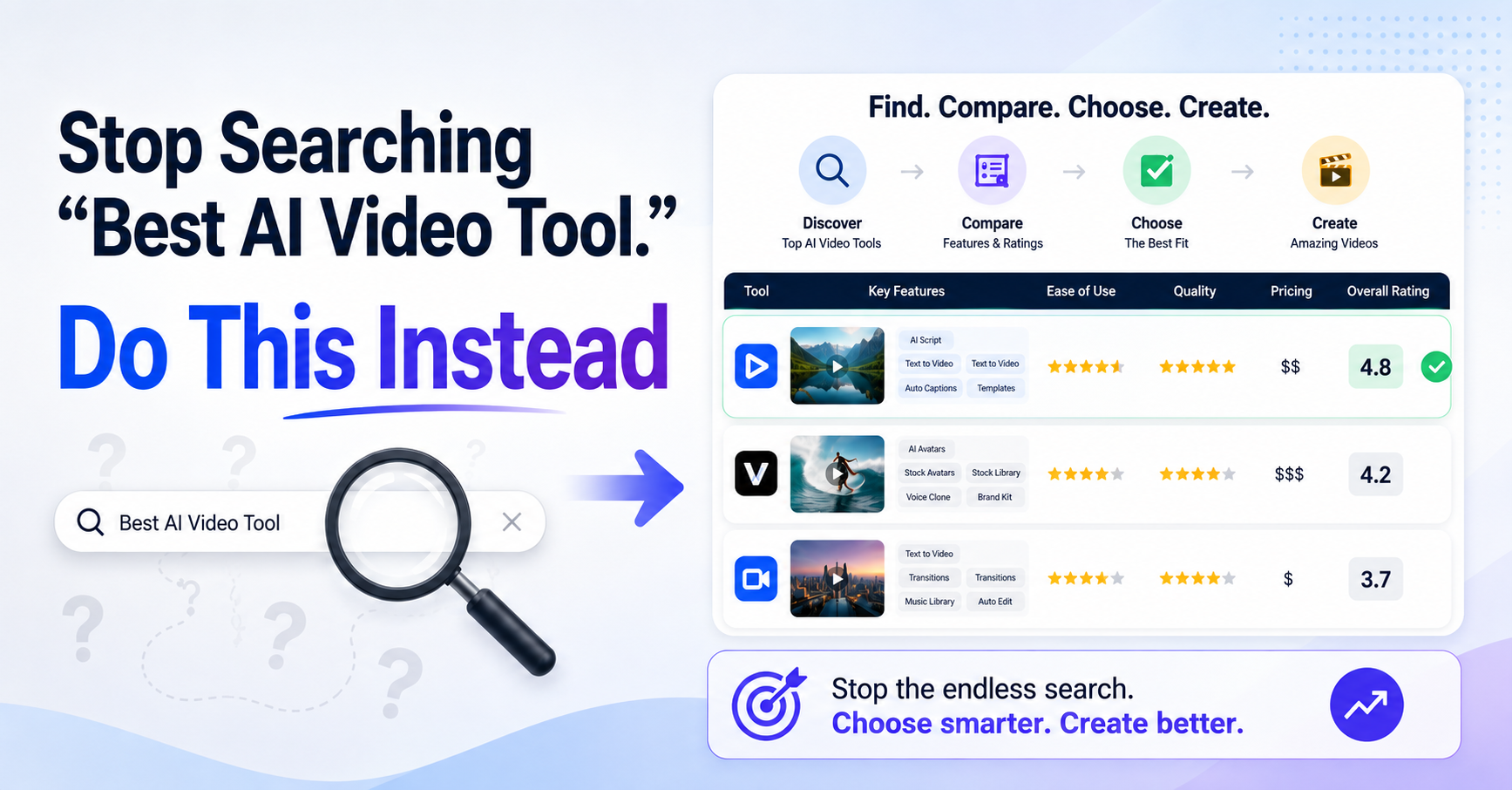
Search for "the best AI video generator" and you will get fifty confident answers, most of them contradicting each other. The reason is simple: there is no single best tool, because the right one depends entirely on what you are trying to make. A generator built for polished corporate explainers is the wrong choice for a scrappy TikTok ad, and a tool that excels at faceless YouTube clips will disappoint you if you need a realistic on-screen presenter. So this guide throws out the ranked list and organises by your goal instead. Find the kind of video you want to create, and you will find the tools that genuinely fit it.
A quick honest note before the list. This space moves faster than almost any other corner of AI, tools rise and fall within a year, and pricing changes constantly, usually through credit systems that make the true per-video cost hard to predict. So the recommendations below are organised by each tool's genuine strength, which is stable, rather than by exact prices, which are not. Always check current pricing and try a free tier before committing.
If you want explainer or training videos
This is the "a presenter explains something to camera" format: product walkthroughs, employee training, onboarding, course content. You want an AI avatar that looks credible and professional rather than casual, and clear narration in the viewer's language. The established standard here is Synthesia, which targets exactly this corporate and educational use case with polished, professional avatars. HeyGen is the strong flexible alternative, with a very large avatar library and support for many languages, useful when you need the same explainer in several markets. The look you are aiming for is "a knowledgeable person explaining a complex topic," and these tools are built for it.
If you want UGC-style ads
User-generated-content ads are the native, creator-looking product videos that dominate TikTok and Meta feeds, the ones where someone appears to casually show off a product in three seconds before you scroll past. This has become its own distinct category, because the goal is the opposite of polished: it needs to look like a real creator filmed it on a phone, not like a corporate ad. Creatify and Arcads lead here, with realistic creator-style avatars and workflows built for spinning out many ad variations to test which converts. HeyGen also serves this well, especially for multilingual campaigns. The key is realism and volume: you want ads that do not look like AI, and you want a lot of them, fast.
If you want short-form social clips
Shorts, Reels, and TikToks are where attention now lives, YouTube Shorts alone average more than 200 billion daily views. For this you want speed and a prompt-to-clip workflow: type an idea, get a captioned, voiced, music-backed vertical video ready to post. InVideo AI is strong for turning a simple prompt into a complete social video with stock footage, voiceover, and subtitles. Fliki is excellent for the text-to-video path, with a large library of AI voices across many languages. The priority here is turnaround, since short-form rewards consistent volume more than the occasional masterpiece.
If you want faceless content
Faceless videos, where you never appear on camera or use your own voice, are a whole discipline of their own, and we have a dedicated guide to building a faceless channel that actually gets monetised. On the tools side, Fliki and Pictory suit the narration-over-visuals style that faceless channels rely on, and there are purpose-built faceless tools that even auto-schedule posts across platforms. Just remember the honest catch from our faceless guide: pure automation now gets demonetised, so whichever tool you pick, the human direction on script and structure is what keeps the channel alive.
If you want cinematic or generative clips
This is pure text-to-video generation: describe a scene and get a cinematic clip, no avatar, no template, just a generated shot. It is the most impressive and the most rapidly improving category, home to the Veo and Sora class of models. Because quality and access shift so fast, aggregator platforms have become the smart play: Higgsfield, for instance, bundles many image and video models under one subscription and tends to add new models quickly, so you are not locked to a single generator as the frontier moves. This is the category to watch for B-roll, artistic sequences, and short generated scenes.
If you want to repurpose existing content
If you already have blog posts, articles, or long videos, the fastest win is turning them into video rather than starting from scratch. Pictory converts long text or a URL into a video with matched stock footage, and tools like InkSprout specialise in repurposing articles into short-form clips. This is the highest-leverage move for anyone sitting on a back catalogue of written content: one article can become a week of social video.
Three things bite people in this category. First, credit systems: many tools price by credits rather than flat rates, so a heavy month can cost far more than the headline figure, generating clips with the newest models burns credits especially fast. Second, the uncanny valley: avatars still slip during long monologues, where eye movement gives them away, so keep avatar segments short. Third, moderation: some platforms flag legitimate content in regulated fields like healthcare with no easy appeal. Test each tool on your actual use case before you build a workflow on it.
How to choose, quickly
Strip it down to three questions. First, what is the format, a talking presenter, a native-looking ad, a fast social clip, a generated scene? That alone narrows the field to a category above. Second, do you need an avatar, a voice, or pure generation? Explainer and UGC need avatars; short-form and faceless need strong voices; cinematic needs generation. Third, what is your real budget once credits are factored in, not the advertised starting price? Answer those three and the right tool is usually obvious. When it is not, the fastest way to decide is to make the same short video on two tools' free tiers and compare.
Frequently asked questions
What is the best AI video generator?
There is no single best one, it depends on what you are making. For explainer and training videos, Synthesia and HeyGen lead. For UGC-style ads, Creatify and Arcads. For short-form social clips, InVideo AI and Fliki. For cinematic generated scenes, aggregators like Higgsfield that bundle the Veo and Sora class of models. Match the tool to your format rather than looking for one winner.
Which AI tool is best for UGC ads?
Creatify and Arcads are the leaders for UGC-style ads, because they produce realistic creator-style avatars and make it easy to generate many ad variations for testing. HeyGen is also strong, especially for multilingual campaigns. The goal with UGC is content that looks like a real creator filmed it, not a polished corporate ad, so realism and volume matter more than cinematic quality.
What is the best tool for faceless YouTube videos?
Fliki and Pictory suit the narration-over-visuals style faceless channels use, and there are purpose-built faceless tools with auto-scheduling. But remember that YouTube now demonetises pure automation, so the tool matters less than the human direction you put into the script and structure. Our dedicated faceless guide covers this in depth.
Can AI make realistic cinematic video from text?
Increasingly, yes. The Veo and Sora class of models generate genuinely cinematic clips from a text description, and quality is improving fast. Because access and capability shift quickly, aggregator platforms like Higgsfield that bundle multiple models under one subscription are often the most practical way in, since they add new models as they arrive.
How much do AI video tools cost?
It varies widely, and the headline price is often misleading because many tools charge by credits. Generating clips with the newest models consumes credits fast, so a heavy month can cost far more than the advertised starting rate. Always check the credit model, not just the monthly figure, and use a free tier to gauge real consumption before committing.
Find the right video tool for what you're making
The best tool is the one built for your format. Browse and compare the current AI video generators on AISetApp, organised so you can match a tool to your goal, whether that is an explainer, a UGC ad, a short, or a cinematic clip.
Explore AI video tools- HeyGen, "Best AI Video Generator for Faceless YouTube in 2026," on faceless and explainer use cases
- Zeely AI and DesignRevision 2026 rankings of UGC AI video generators
- Synthesia, "The 18 Best AI Video Generators in 2026," on use-case fit and model aggregators
- PerfectCorp and Wireflow 2026 AI video generator comparisons
- Toolfolio 2026 review of UGC and avatar video tools
Reviewed August 2026. Tool features and pricing change quickly; verify current details and try a free tier before committing.